
A liquor store has a few problems most retail POS systems don't solve well: thousands of bottles, the same product sold as a single, a pack or a case, and an age check on every sale. Here is what to look for, and how the NRS systems handle each.
1. Age verification on every sale
This is the one you can't get wrong. Look for license ID scanning: the cashier scans the customer's driver's license, and the POS checks the age. No mental math at 9pm on a Friday.
On NRS, license ID scanning is included from the Advanced software plan.
2. A pricebook big enough for your shelves
Count your SKUs before you shop. Wine and spirits stores often carry thousands.
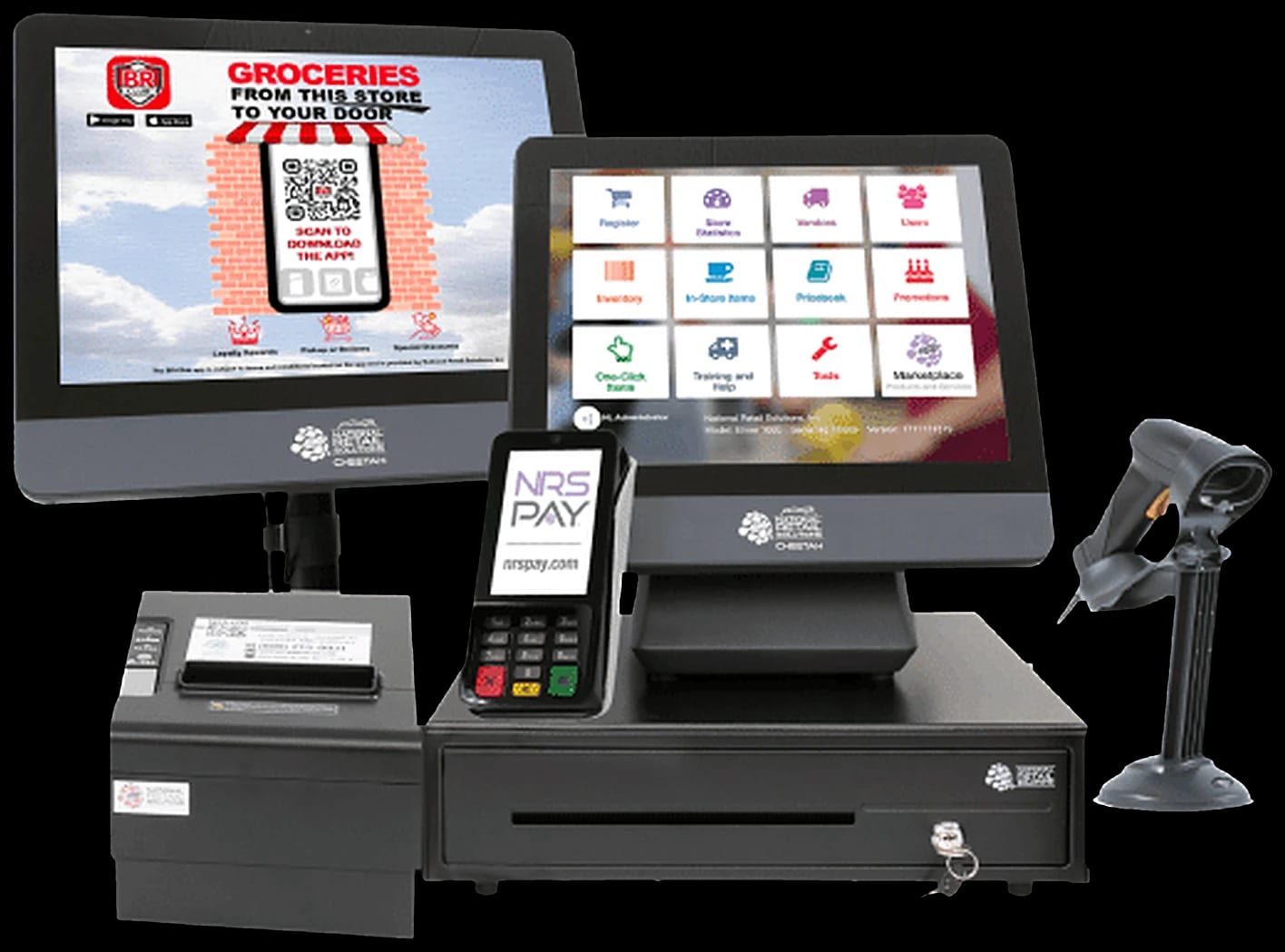
- NRS Cheetah POS: up to 15,000 UPCs
- NRS Puma POS: up to 8,000 UPCs
Both start with a pricebook pre-loaded with popular items, and inventory updates with every sale.
3. Singles, packs and cases
The same beer or wine sells three ways. Your POS should ring each one up correctly and keep stock counts straight. Ask any vendor to show you this on a real example from your store.
4. Card fees you can control
Liquor tickets are larger than a convenience store's, so card fees matter. Two NRS PAY options:
- Clean Rate: 2.49% + 10¢ per card-present sale, plus $10 a month
- Cash discount (dual pricing): $49.95 a month, or $0 over $18,000 a month in card sales, with both prices on the shelf and the register
We explain the rules in Cash discount, surcharge or dual pricing.
5. Running the store when you're not there
The My NRS Store app shows sales and inventory and lets you change prices from your phone. Pro plans and up add a time clock and remote manager override.
What it costs with NRS
| NRS list (Oct 2026) | |
|---|---|
| Puma POS bundle | $1,299 |
| Cheetah POS bundle | $1,799 |
| Advanced plan (includes ID scanning) | $49.95/mo with NRS PAY |
Dipendra's price for your store can differ, and you get it in writing.